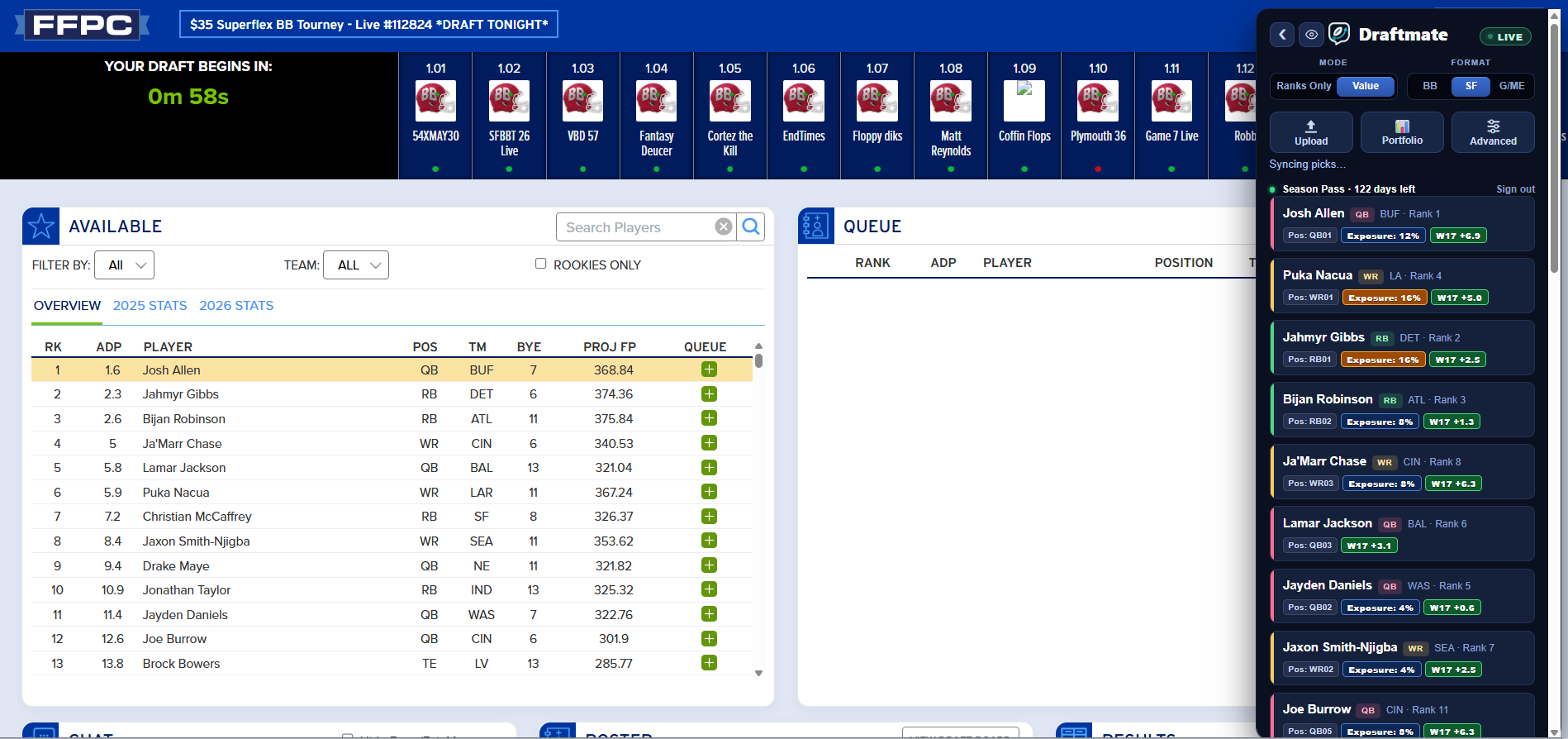
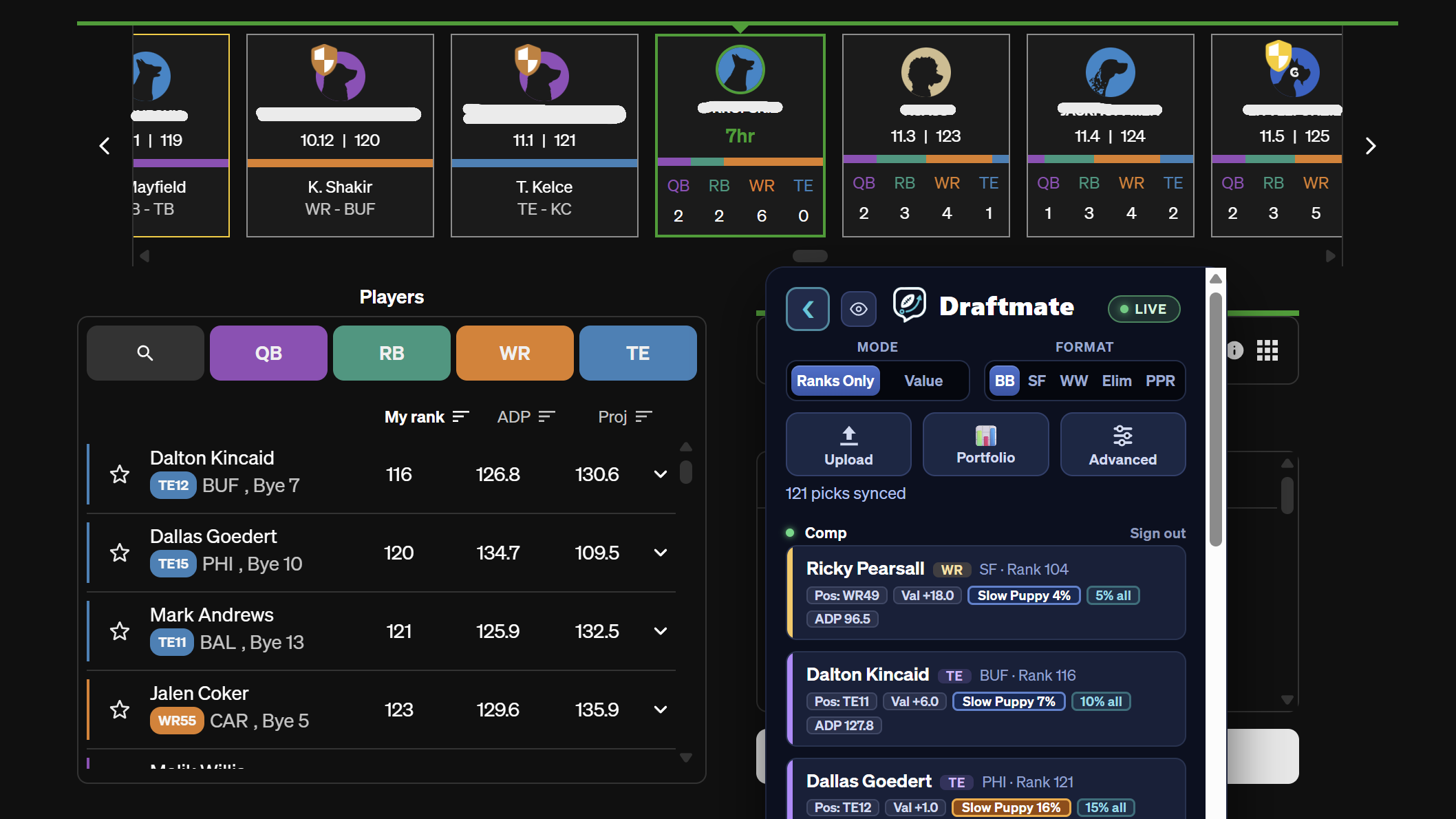
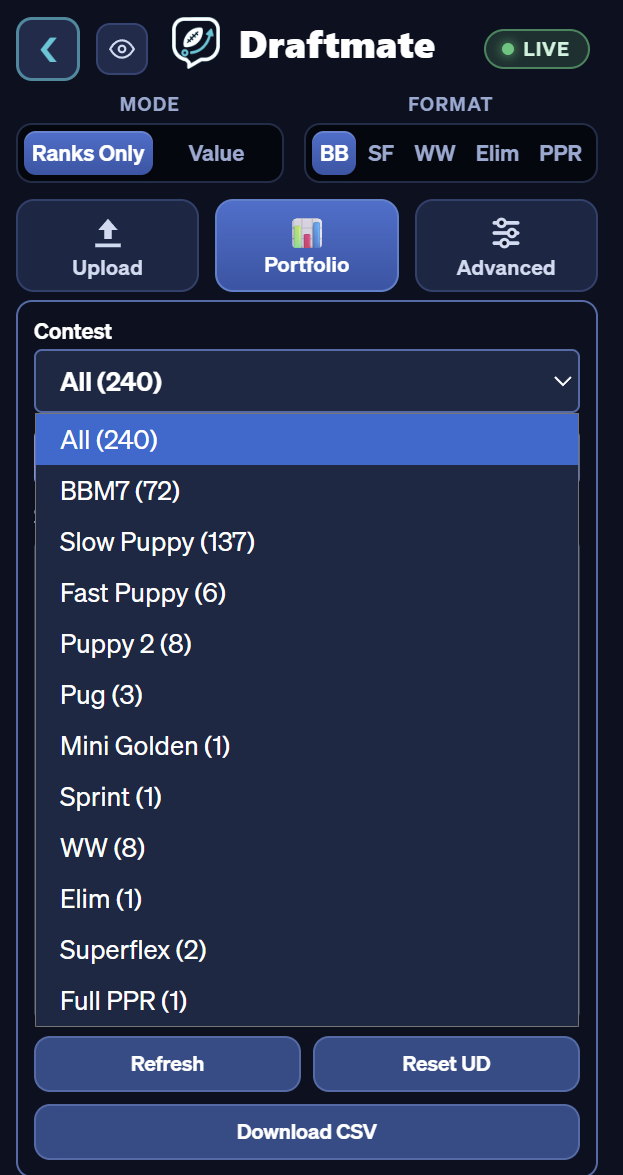
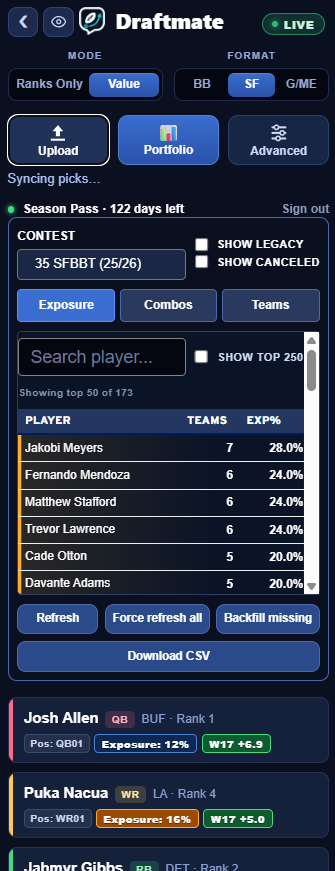
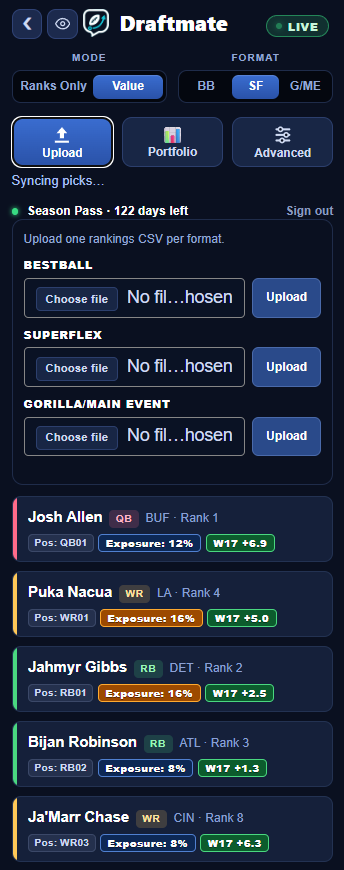
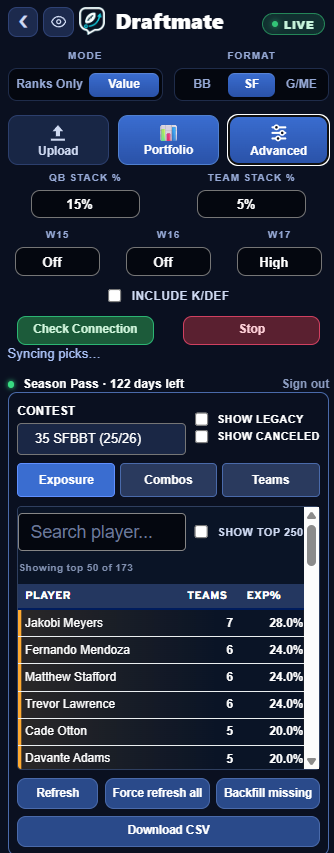
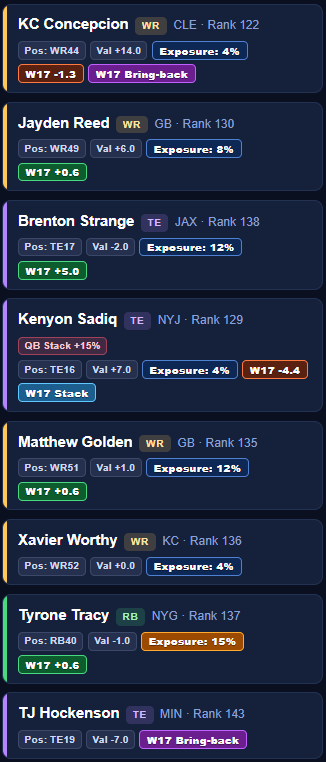
Because your portfolio lives on your computer, not on our servers. That's the same design that keeps your draft data off the internet — but it does mean a pick you made somewhere else has to be pulled in before Draftmate knows about it.
Anything you draft in the FFPC, DraftKings or Underdog mobile apps, on a friend's laptop, or on a second machine of your own, won't appear in the portfolio on this computer until you sync it here.
How to pull everything in:
- FFPC — visit My Teams. Draftmate picks up your rosters from that page and refreshes them in the background while you're on the site.
- DraftKings — open My Contests, then click "Grab all my drafts" at the bottom-left.
- Underdog — click "Grab all my UD teams" at the bottom-left. It works from the lobby, from inside a draft, or from the completed-drafts page.
Do that on each computer you draft from, and do it after any stretch of drafting on your phone. Exposure percentages are only as complete as the rosters the machine has actually seen — if the number looks low, a sync is the first thing to try.
.png)